Calendar Export/Synchronization
Calendar export lets you export and synchronize reservations from the system to external calendar applications. This is especially useful for keeping an overview of all reservations and avoiding double bookings, or if you prefer to keep track of your reservations in another application.
Exporting the calendar
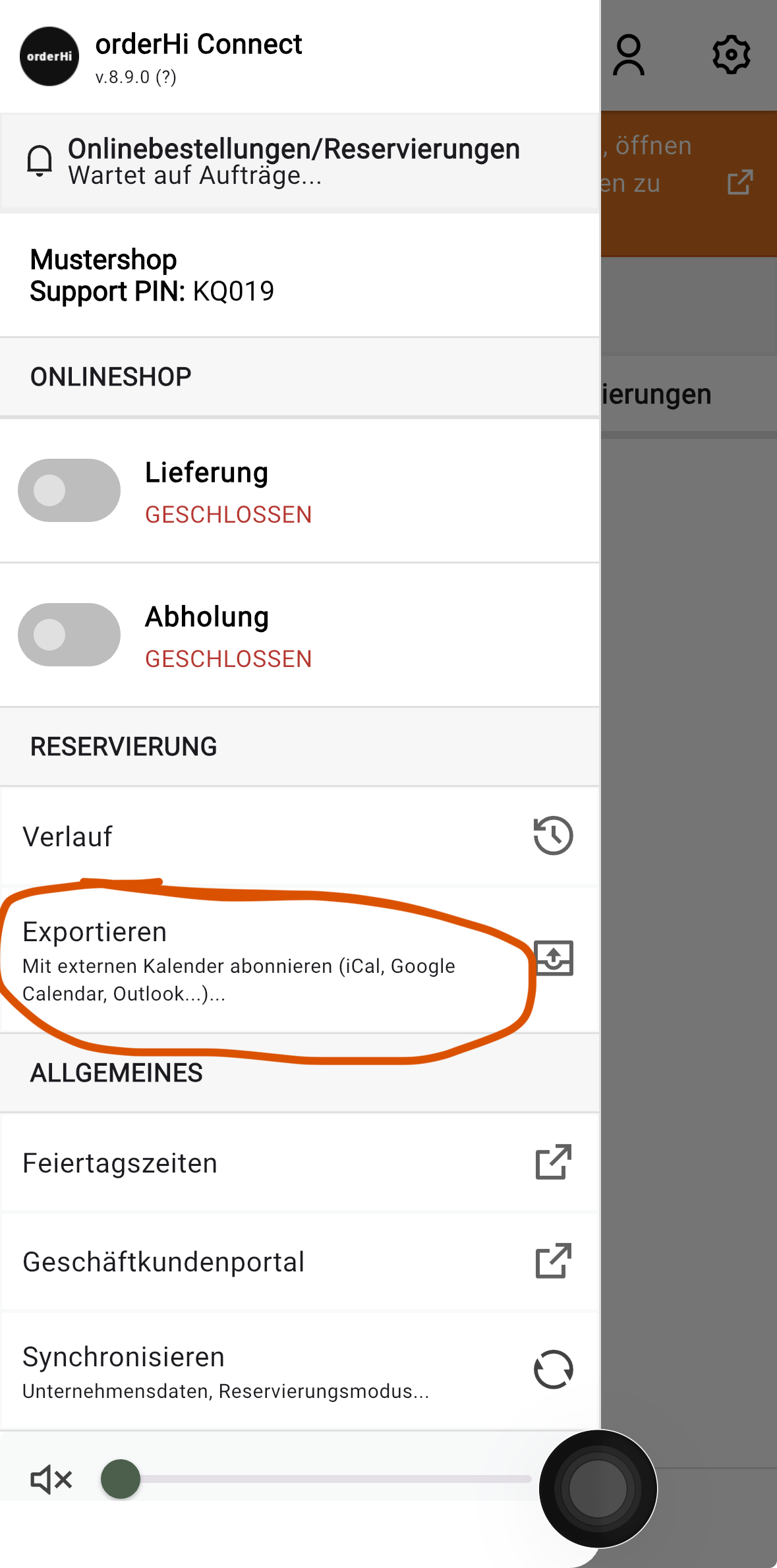
In the OrderHi Connect app, go to Menu > Export reservations (Menü > Reservierung Exportieren). You can choose between Apple iCalendar/Webcal, Google Calendar and Microsoft Outlook.
Alternatively, you can copy the link manually and paste it into your calendar application. Please read the instructions for your specific calendar application.