Connect SumUp Solo Lite to OrderHi POS
Connect SumUp account (POS/service app)
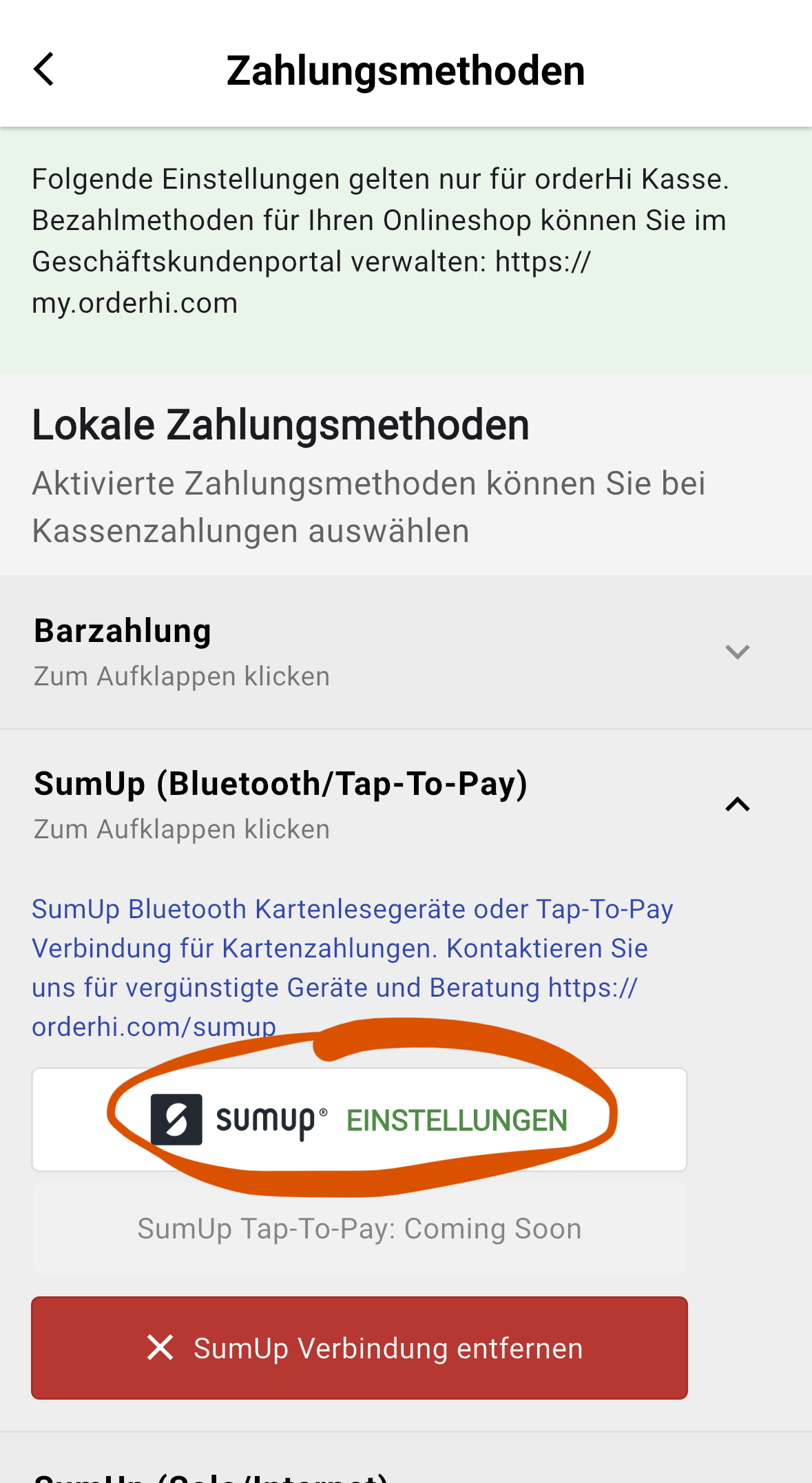
Go to the POS or service device and connect your SumUp account: "Settings" > "Payment methods" ("Einstellungen" > "Zahlungsmethoden")
- Tap the Connect with SumUp ("Verbinde mit SumUp") button
- Then tap SumUp settings ("SumUp Einstellungen") to sign in with your SumUp account
Connect SumUp Solo Lite device
- Turn on the Solo Lite device
- Tap SumUp settings and tap the matching device in the list to start pairing
- You may need to tap the OK button on the device to complete pairing
I can't find my device?
Common causes:
- Bluetooth on the POS/service device must be turned on
- GPS on the POS/service device must be turned on
- The SumUp Solo Lite device must be turned on
- When connecting for the first time, you may need to tap OK on the card reader to complete pairing