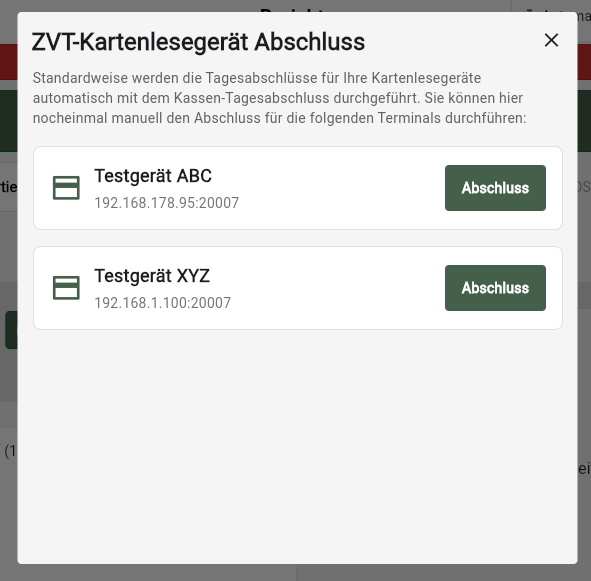
ZVT Card Reader End-of-Day Closing
Depending on the card reader/payment provider, you must perform a ZVT end-of-day closing for each card reader at the end of the day.
Automatic ZVT end-of-day closing
By default, the ZVT end-of-day closing for all connected ZVT card readers is performed automatically during the POS's regular end-of-day closing.
You must have all devices turned on and connected to the network at the end of the day.
Manual ZVT end-of-day closing
If the automatic ZVT end-of-day closing is disabled or failed (e.g. network problem, card reader turned off), you can perform a manual ZVT end-of-day closing at the POS:
Reports > ZVT ("Berichte > ZVT")
Select the desired card reader from the list and tap Closing ("Abschluss").