Divide Product Groups Across Different Printers
You can set up product groups (tax groups) in the business customer portal under POS > Tax groups (Kasse > Steuergruppen). After creating these groups, you can assign tax groups to the individual products in the catalog.
Assign printers
A program restart may be needed after setting up new product groups
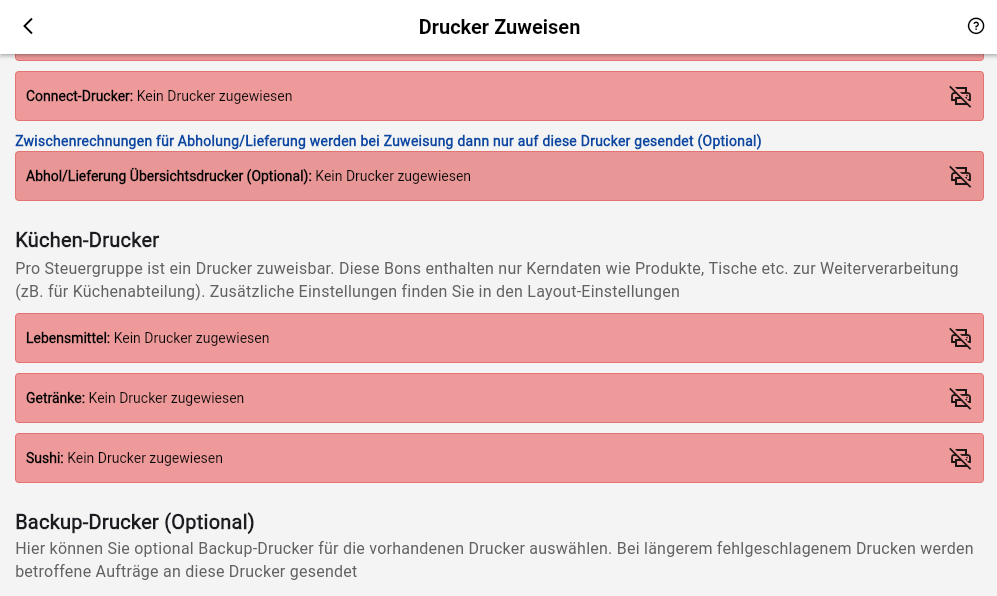
In the POS settings, go to Printers > Assign printers (Drucker > Drucker Zuweisen) and scroll down until you see the groups you created. There you can now assign as many printers as you like to each group.