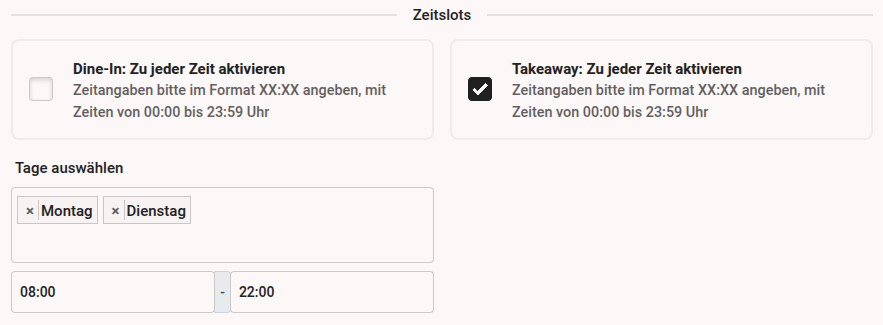
Kiosk dine-in and take-away settings
You can set dine-in and take-away times to control the availability of orders. Save the setting and restart the devices.
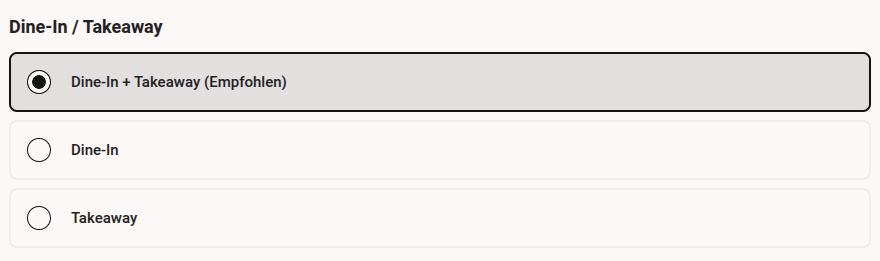
Turn off dine-in or take-away
In the business customer portal, go to Kiosk and scroll to the Dine-In / Takeaway section and select the desired setting from the displayed options.
Set dine-in and take-away times
In the business customer portal, go to Kiosk and scroll to the Dine-In / Takeaway section